Getting AT&T Business Fiber in Dallas comes down to seven steps — confirm serviceability at your exact address, translate how your team works into a bandwidth requirement, compare the current options for that address, choose add-ons, place and track the order, prepare the site for installation, and test before cutover. This guide walks through each step, what can slow it down, and where a local authorized AT&T dealer fits in.
Start with the address, not the plan
Most Dallas business owners begin this process backwards. They research speed tiers, compare plan names, and build a mental budget — and then discover that the options at their actual address look nothing like what they read about. Fiber build-out in Dallas varies street by street and sometimes suite by suite. Two offices a block apart on Ross Avenue can have completely different serviceability, and a warehouse in the Design District may have options its neighbor does not.
So the whole process starts with one input: the full service address, including suite number. Everything else — speed, term, add-ons, install date — flows from what can actually be delivered there. The rest of this guide follows the order in which decisions actually get made, not the order carrier websites present them.
Step 1: Confirm serviceability at your exact address
Serviceability means the carrier can deliver business fiber to your specific location, not just your ZIP code or your street. Consumer web checkers are a rough first pass at best: they are built around residential products, they do not always reflect what a business account can order, and they cannot tell you whether a multi-tenant building already has fiber in the riser or needs construction to reach your floor.
A proper business serviceability check looks at the address in the carrier's business systems and answers three questions:
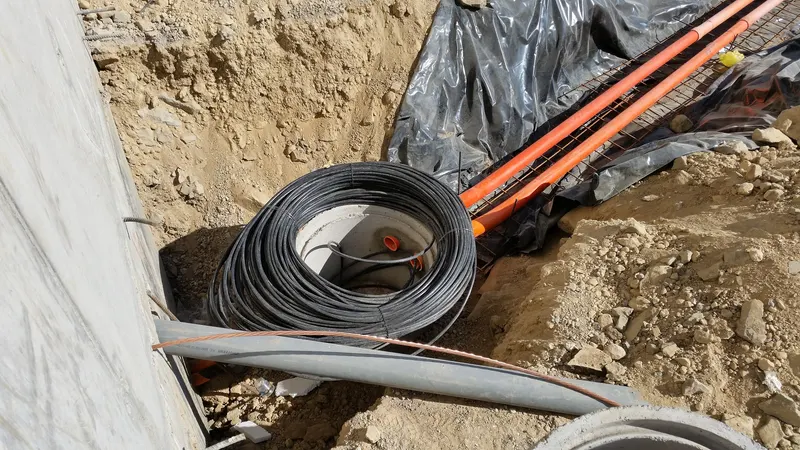
- Is fiber already built to the building, or would construction be required?
- What business products can be ordered at that address today?
- Are there building-specific complications — property-owner permissions, shared telecom rooms, conduit condition?
If you want the mechanics behind those answers, we cover them in detail in what determines fiber serviceability in Dallas. The short version: never sign a lease, schedule a move, or promise a go-live date on the strength of a ZIP-code lookup. Get the address verified first. Forward Konnect runs this check for Dallas businesses at no cost through our AT&T Business Fiber page — you send the address, we confirm what can actually be ordered.
Step 2: Translate how your team works into a requirement
Once you know fiber is orderable, resist the urge to jump straight to "the fastest tier we can justify." Overbuying wastes money every month; underbuying costs you in stalled uploads and choppy calls. The right sizing question is not "how fast?" but "what does the team actually do all day?"
Walk through a normal busy hour:
- How many people are on video calls at once?
- Are phones running over the internet (VoIP), and how many concurrent calls?
- Does anyone move large files — drawings, video, medical imaging, backups — to the cloud?
- Are there bandwidth consumers people forget: security cameras uploading to cloud storage, point-of-sale systems, guest Wi-Fi, off-site backups running during business hours?
- What is the growth plan for the next two to three years?
Two properties of fiber change this math compared with what you may be used to. First, fiber upload capacity is typically symmetrical or close to it, which transforms cloud backups, video calls, and file sharing — the things cable connections struggle with. Second, fiber tiers scale cleanly, so choosing a modest tier now and stepping up later is a reasonable strategy rather than a trap.
We have a full sizing walkthrough in how much internet speed your business actually needs. If you are still weighing fiber against a cable connection at all, read the fiber versus cable comparison first — for most growing Dallas companies the upload difference alone settles it.
Step 3: Compare the current options for your address
Business fiber offers change over time and vary by location, which is why any article that quotes you a price or speed table is out of date the week you need it. What you should compare is structural, and it holds regardless of the current promotion:
| Factor | What to look at |
|---|---|
| Speed tier | Sized to Step 2, with headroom for growth — not the biggest number available |
| Contract term | What happens at expiration, and what early termination actually costs |
| Service type | Shared business fiber versus dedicated internet access with service-level commitments |
| Installation | Standard install versus construction, and who pays if construction is needed |
| Bundling | Whether adding business phone or wireless to the account changes the economics |
The contract term deserves more attention than it usually gets. Most telecom overspend starts at a forgotten renewal date, when a promotional rate quietly rolls to a standard one. Before you sign anything, run through our list of questions to ask before signing a business internet contract — it takes ten minutes and routinely changes what people order.
This comparison step is where working with an authorized AT&T dealer pays for itself. A dealer can pull the current offers for your specific address, put them side by side, and explain the trade-offs — and because dealer compensation comes from the carrier program, the check and the consultation cost you nothing extra.
Step 4: Decide on add-ons before you order, not after
Three add-on decisions are much easier to make as part of the original order than to bolt on later:
- Static IP addresses. If you host anything on-site — a VPN endpoint for remote workers, a server, certain security camera systems, some point-of-sale configurations — you will likely want one or more static IPs. Adding them at order time is a line item; adding them later is a change order.
- Backup connectivity. If an outage would stop your business — card payments down, phones dead, cloud apps unreachable — plan a secondary connection on a different technology (often wireless) from day one. The most resilient setups avoid sharing a failure point with the primary line.
- Voice services. If your phone contract is also up for renewal, ordering internet and business phone service together often simplifies both billing and support, and gives you one accountable party when something breaks.
None of these are mandatory. All of them are cheaper to think about now.
Step 5: Place the order and manage the dependencies
Placing the order is a form; managing it is a project. Between order and installation there are usually several dependencies, and the ones that slip are almost never the carrier's technical work:
- Property-owner permission. In leased and multi-tenant buildings, the landlord or property manager typically has to authorize access to telecom rooms and risers. In Dallas office buildings this is the single most common source of delay, and it is entirely preventable — start the conversation the day you order.
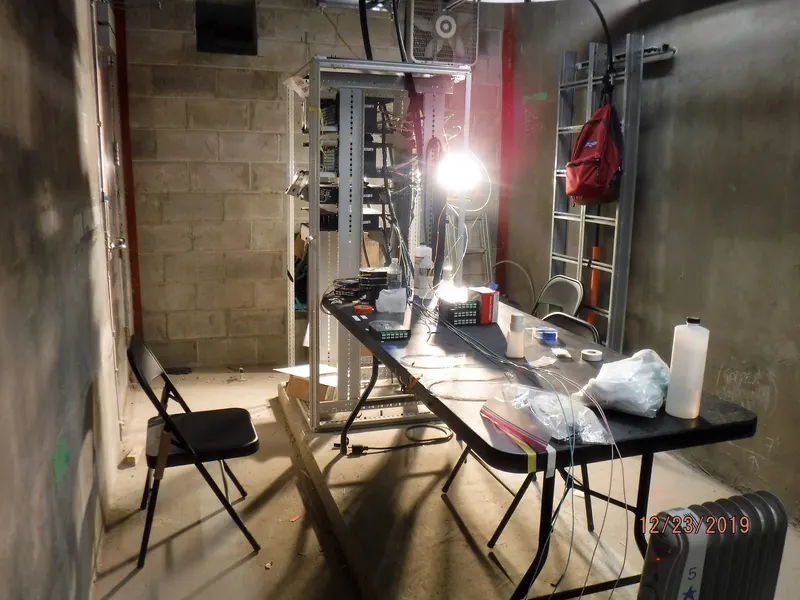
- Site readiness. The equipment needs a location with power, reasonable ventilation, and physical security. A closet shared with a mop sink is a bad home for the box your entire business runs through.
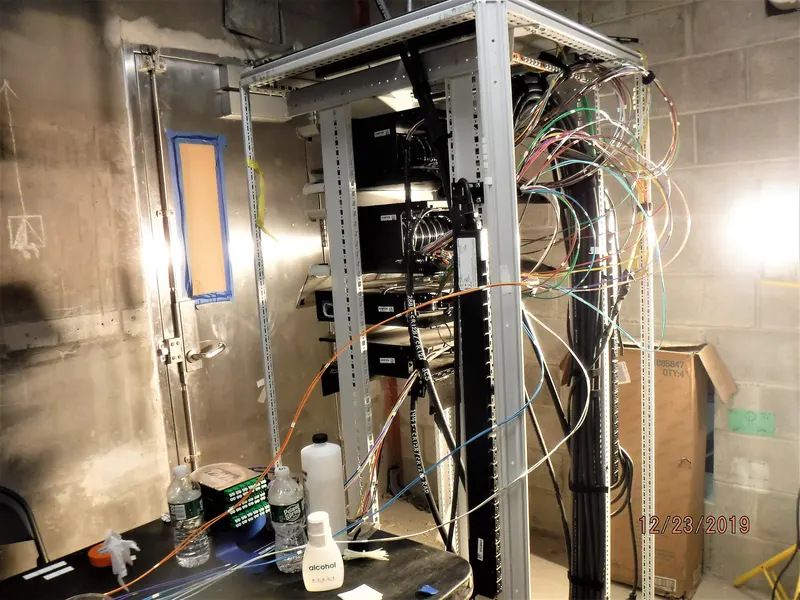
- Inside wiring. The carrier brings fiber to a demarcation point; getting connectivity from there to your offices, front counter, or warehouse floor is your side of the line. If cabling work is needed, schedule it before install day.
Track one date and one name: the firm installation appointment, and the person (yours or your dealer's) who owns chasing everything that has to happen before it. Realistic scheduling expectations — and what makes timelines stretch — are covered in how long business fiber installation takes.
Step 6: Installation day and testing
On the day, a technician installs the optical network terminal, brings the circuit live, and verifies it. Your job is to make that visit efficient: building access arranged, the equipment location cleared and ready, and someone on-site who can make small decisions ("mount it here or there?") without a phone chain.
Before the technician leaves, or immediately after, test like a business rather than a household:
- Run speed tests from a wired computer, not over Wi-Fi, so you are measuring the circuit and not your access point.
- Place test VoIP calls if phones ride on this connection, and stay on long enough to notice quality drift.
- Push a large file to your cloud storage to see upload behavior under real load.
- Confirm any static IPs are configured and reachable.
- If you ordered a backup connection, pull the fiber connection deliberately and confirm failover works — a backup line nobody has ever tested is a hope, not a plan.
We keep a fuller punch list in the business internet installation checklist for a new office, including the items that matter when you are fitting out a space from scratch.
Step 7: Cut over deliberately, then diarize the renewal
If you are replacing an existing connection, run both in parallel for a short overlap rather than canceling the old service on install day. Move systems across in order of tolerance for problems — general browsing first, then cloud apps, then phones and payments last, once the new circuit has proven itself through a few normal business days. Only then cancel the old line, in writing, with a confirmation.
Finally, open your calendar and set two reminders: one at the contract's renewal date, and one ninety days before it. That second reminder is when you re-check options and renegotiate from a position of time rather than urgency. It is a thirty-second task that prevents the most common and most expensive telecom mistake a small business makes.
Where a local dealer fits in
You can do every step above yourself. The reason many Dallas businesses hand it to us instead is accountability: one local point of contact who verifies the address, translates requirements into an order, chases the landlord and the installation date, and is still reachable when something needs attention a year later — instead of a national queue where every call starts from zero. As an authorized AT&T dealer, Forward Konnect is compensated through the dealer program, so the availability check and the advice are free, and if the honest answer is that your current setup is fine, that is the answer you get.
The bottom line
Getting AT&T Business Fiber in Dallas is a sequence, and the sequence matters: verify the exact address, size the connection from real usage, compare the current options structurally, decide add-ons up front, manage the pre-install dependencies (especially landlord permission), test like a business, and cut over with an overlap. The technical part is the carrier's job and usually goes fine. The delays and the overspend live in the steps around it — and those are the steps you, or a local dealer working for you, control.